
 ™
™ Add the schedule
Take a photo, upload a PDF, or paste the schedule you received.
How it works
Add the schedule. Check anything that needs your attention. Choose what belongs on your calendar. Then add it.
Start with what you already have
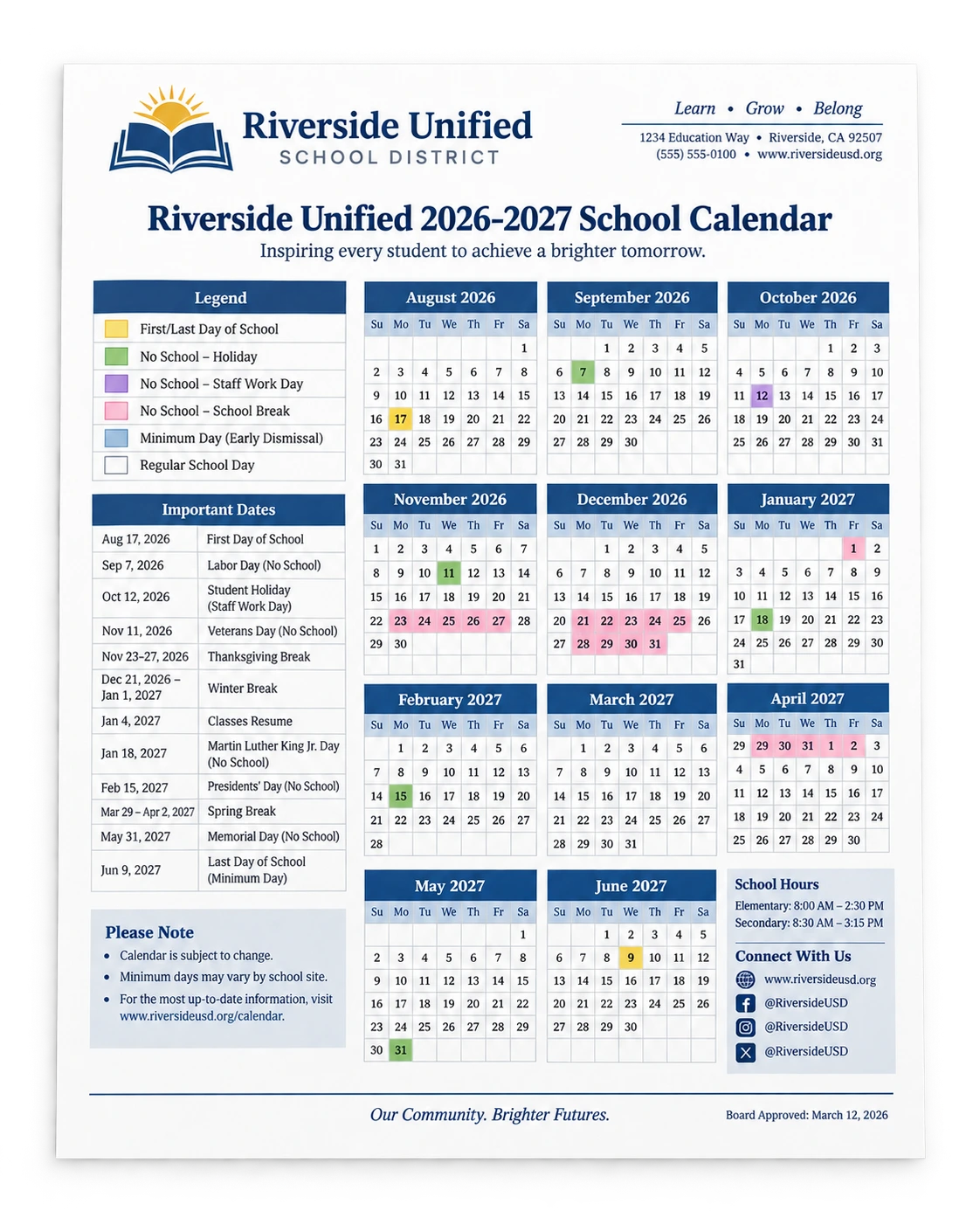
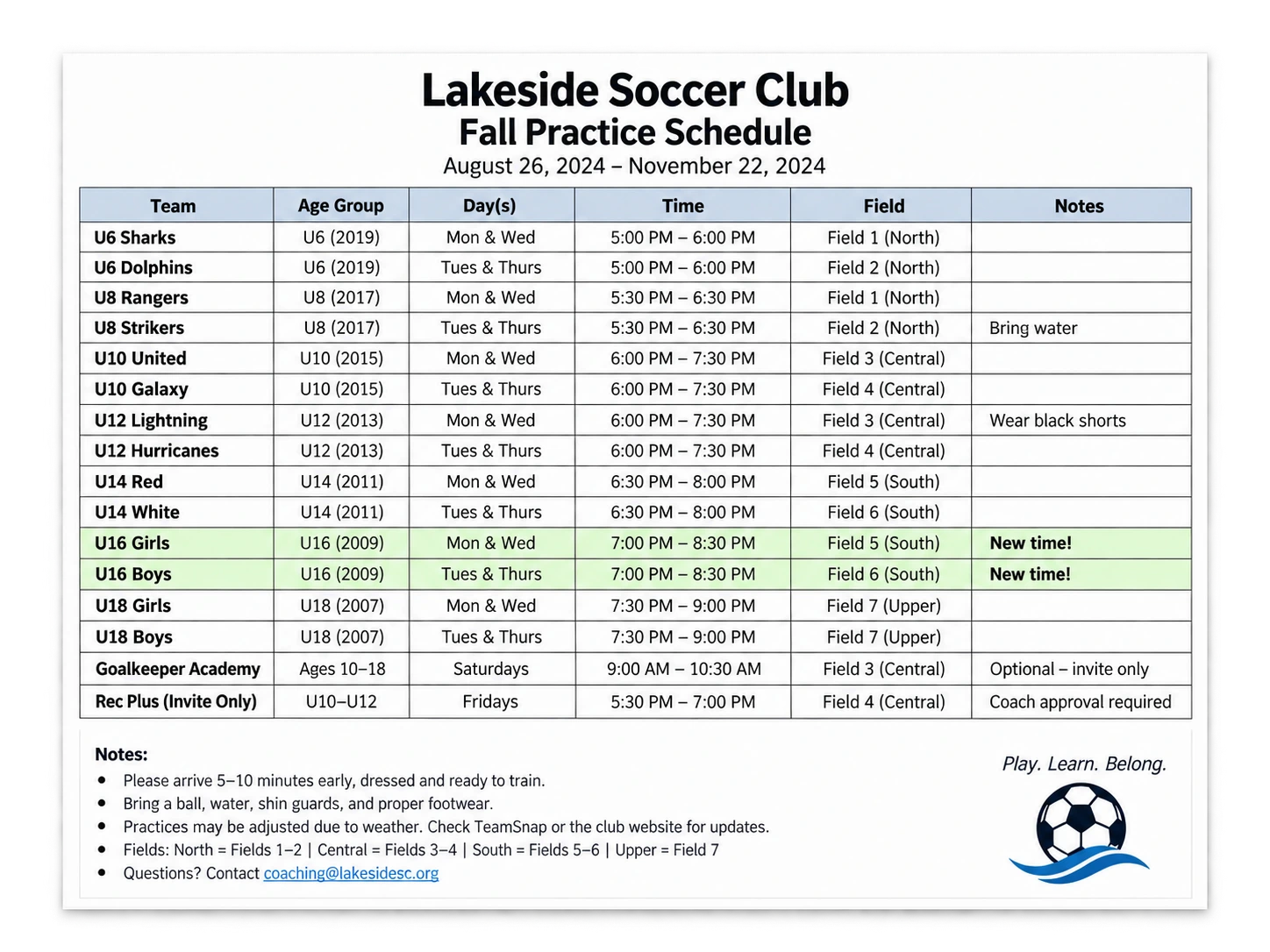
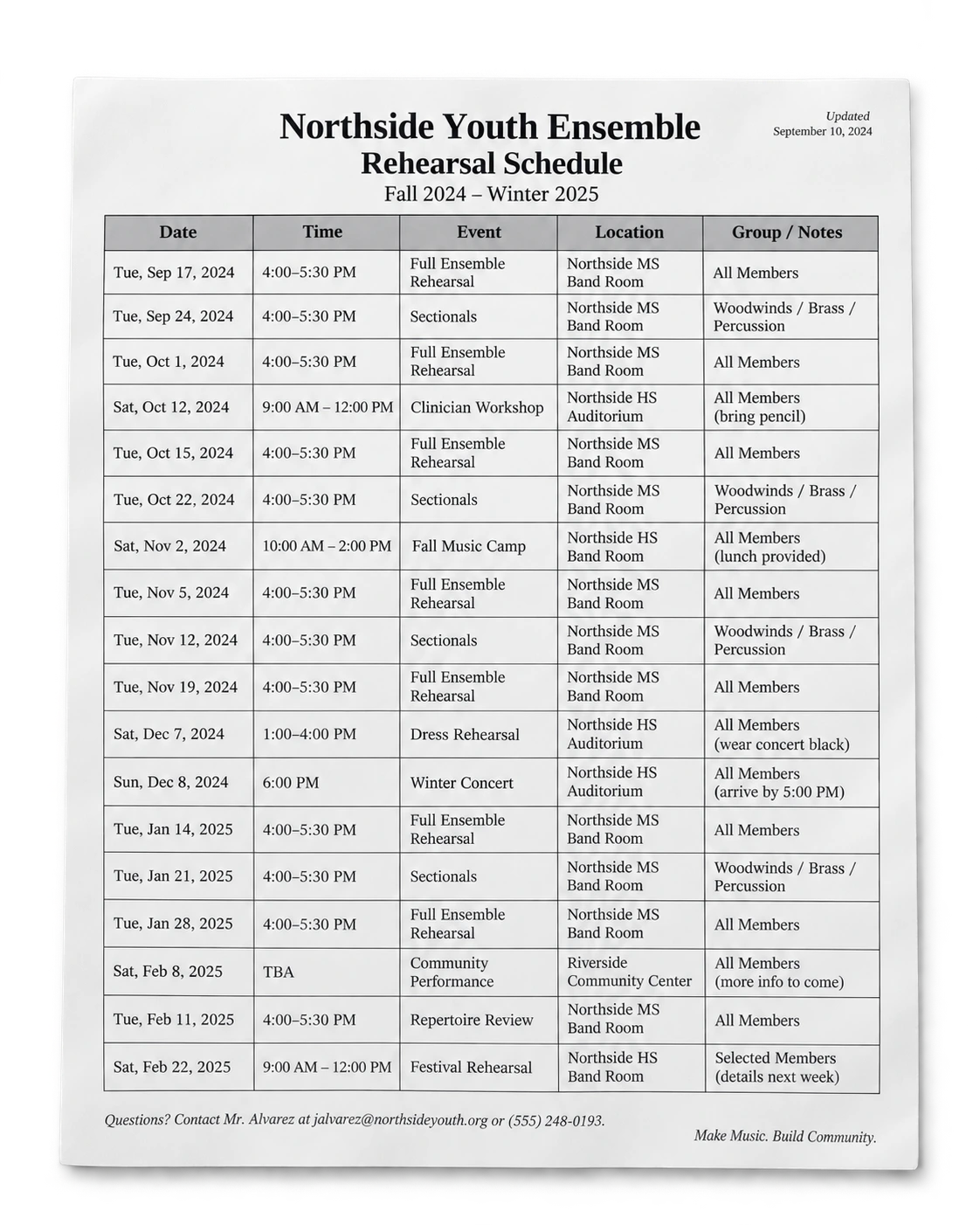
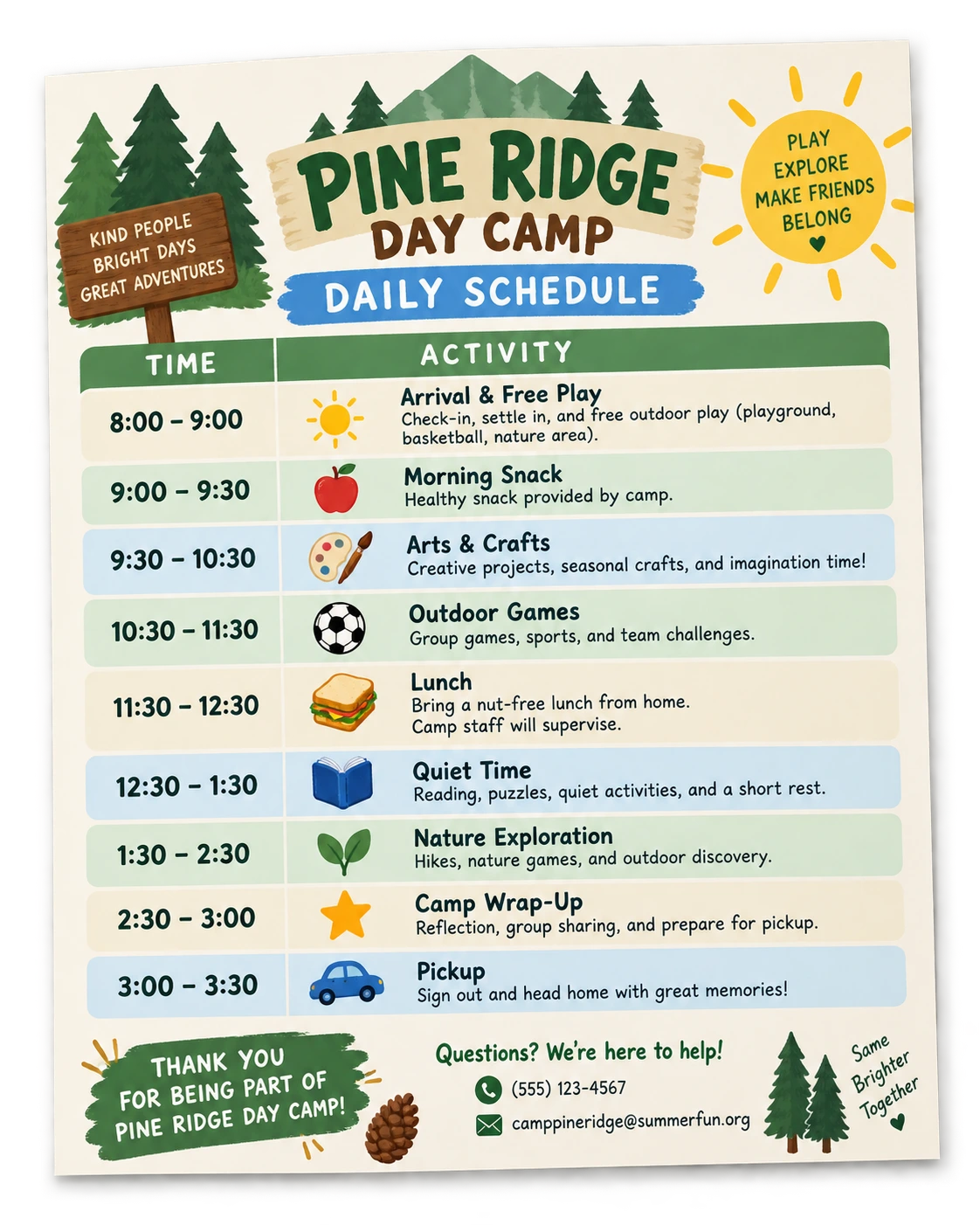
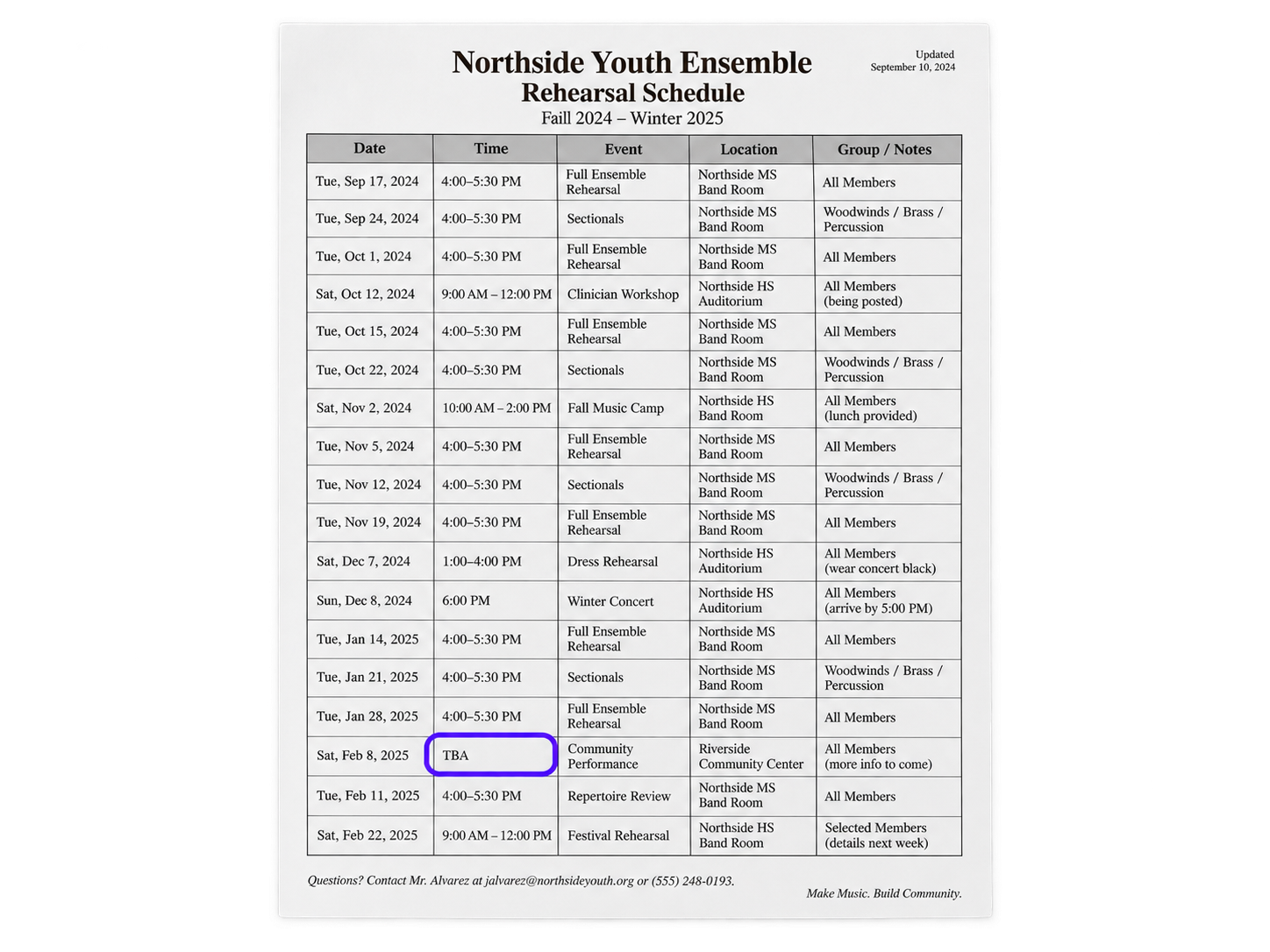
A photo, a PDF, a screenshot, or pasted schedule information can hold a whole season of dates. CalDone keeps that context together instead of making you type one event at a time.

Common schedule materials
The five-part handoff
Take a photo, upload a PDF, or paste the schedule you received.
Dates, times, locations, and events are pulled together from the whole schedule.
If something needs a decision, CalDone asks instead of guessing.
Keep the people, activities, and events you want on your calendar.
Review it once, add the schedule to your calendar, and you’re done.
Review stays with you
CalDone calls out anything that is unclear before events are added. You can check the source, make the decision, and keep the original schedule close at hand.
Schedule in. Calendar done.
Their schedule. Your calendar. No typing.