
 ™
™ Add the schedule
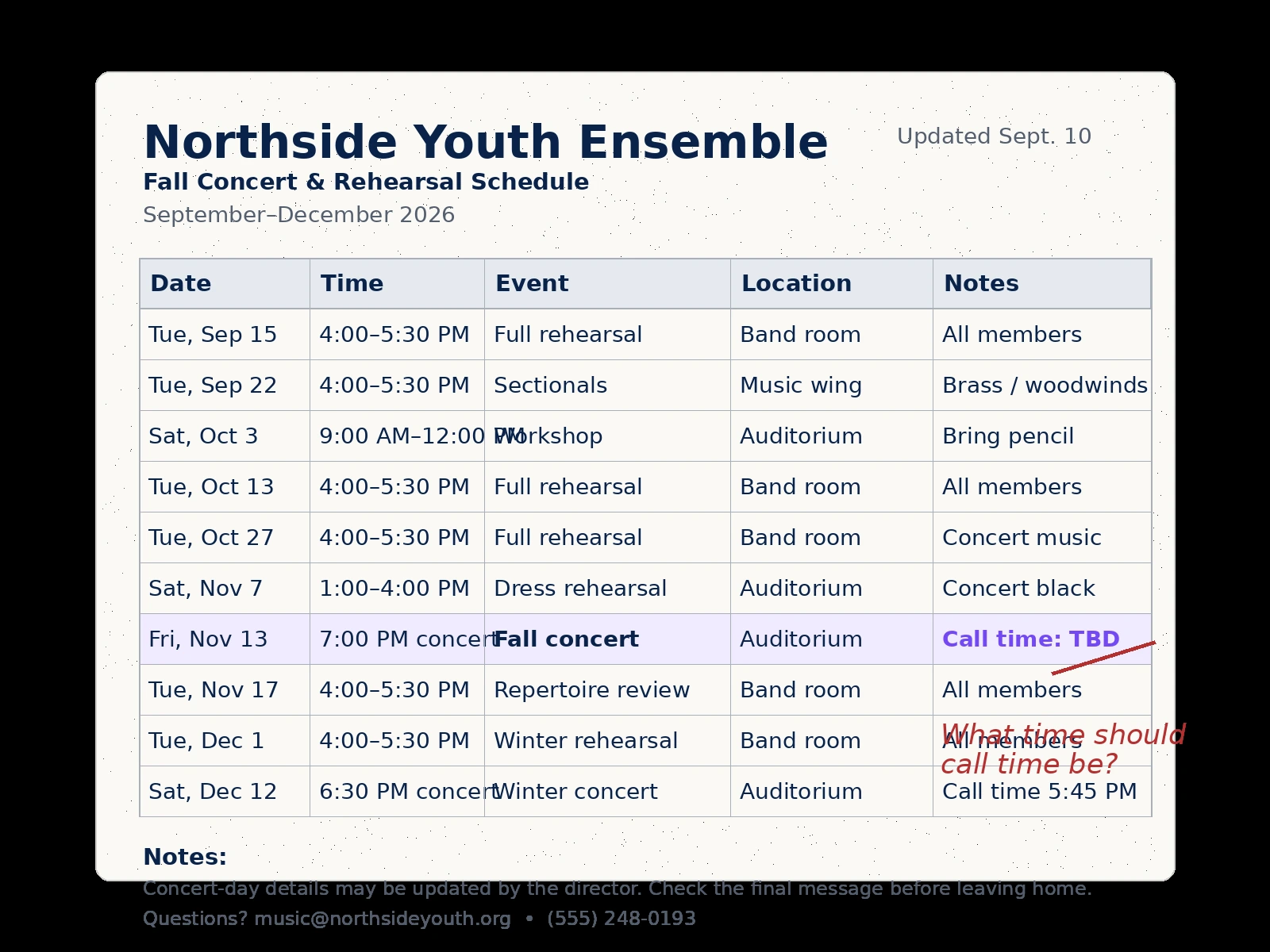
Take a photo, upload a PDF, or paste the schedule you received.
CalDone™ · Schedule in. Calendar done.
Turn an entire schedule into events for the calendar you already use.

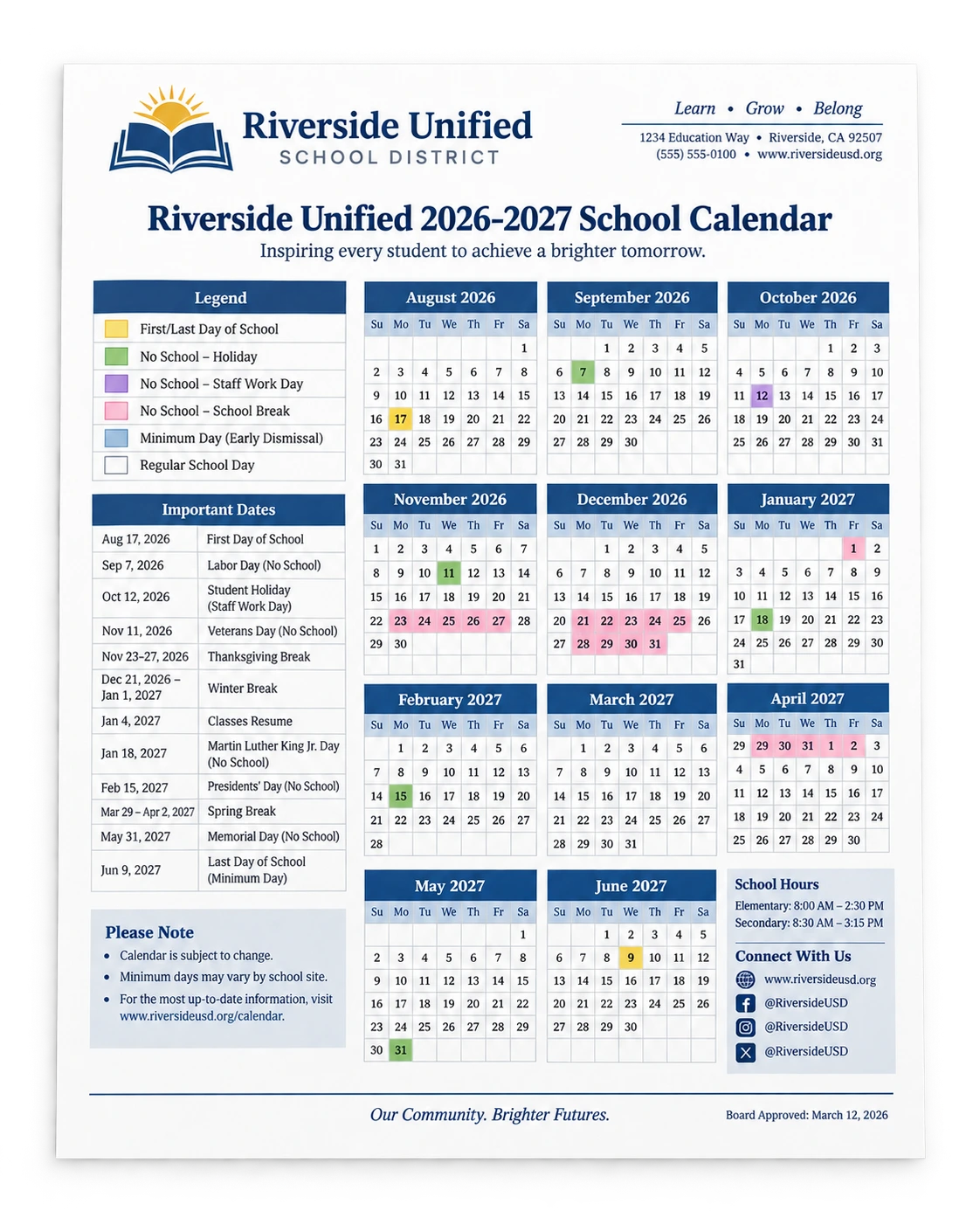
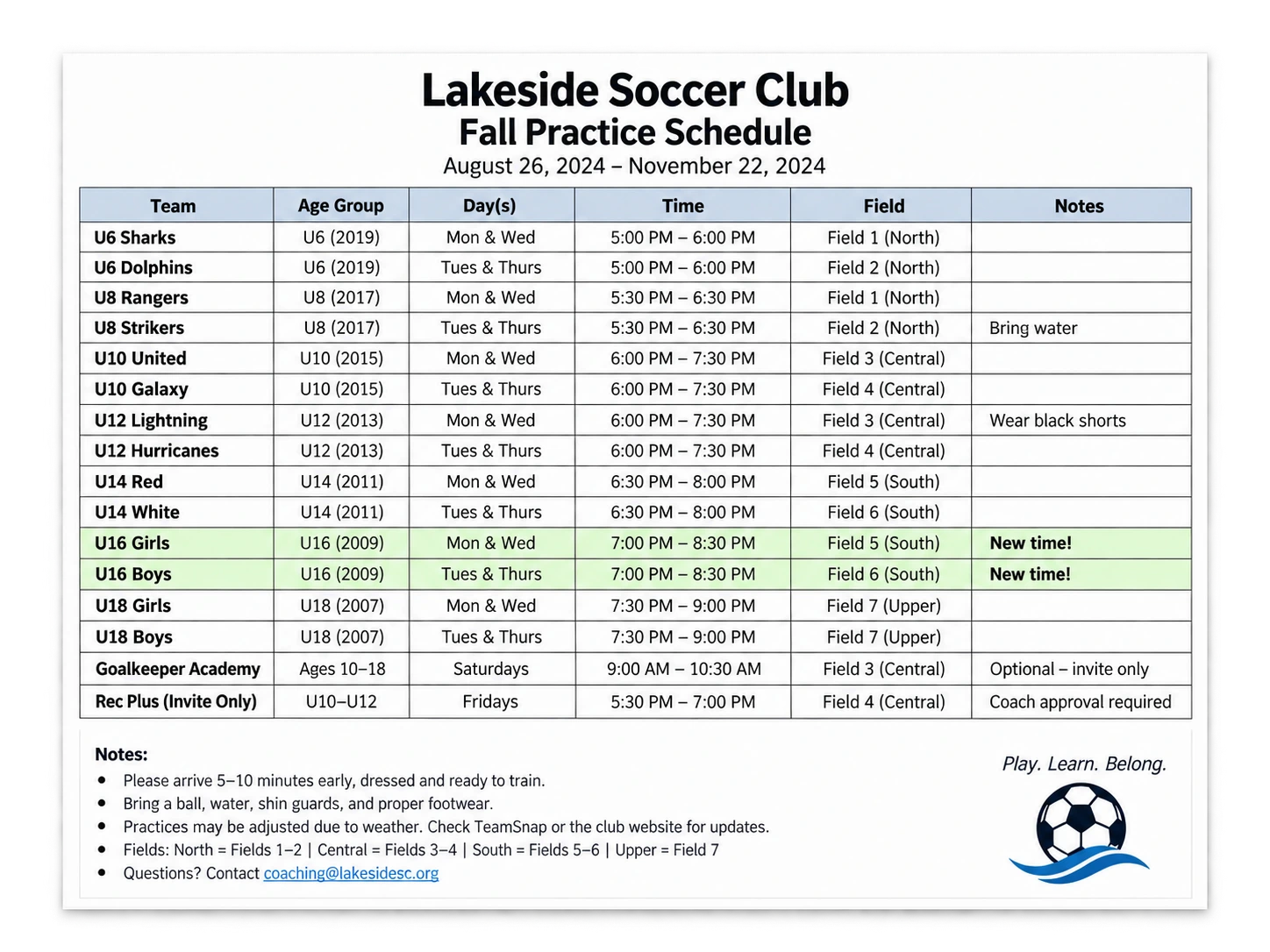
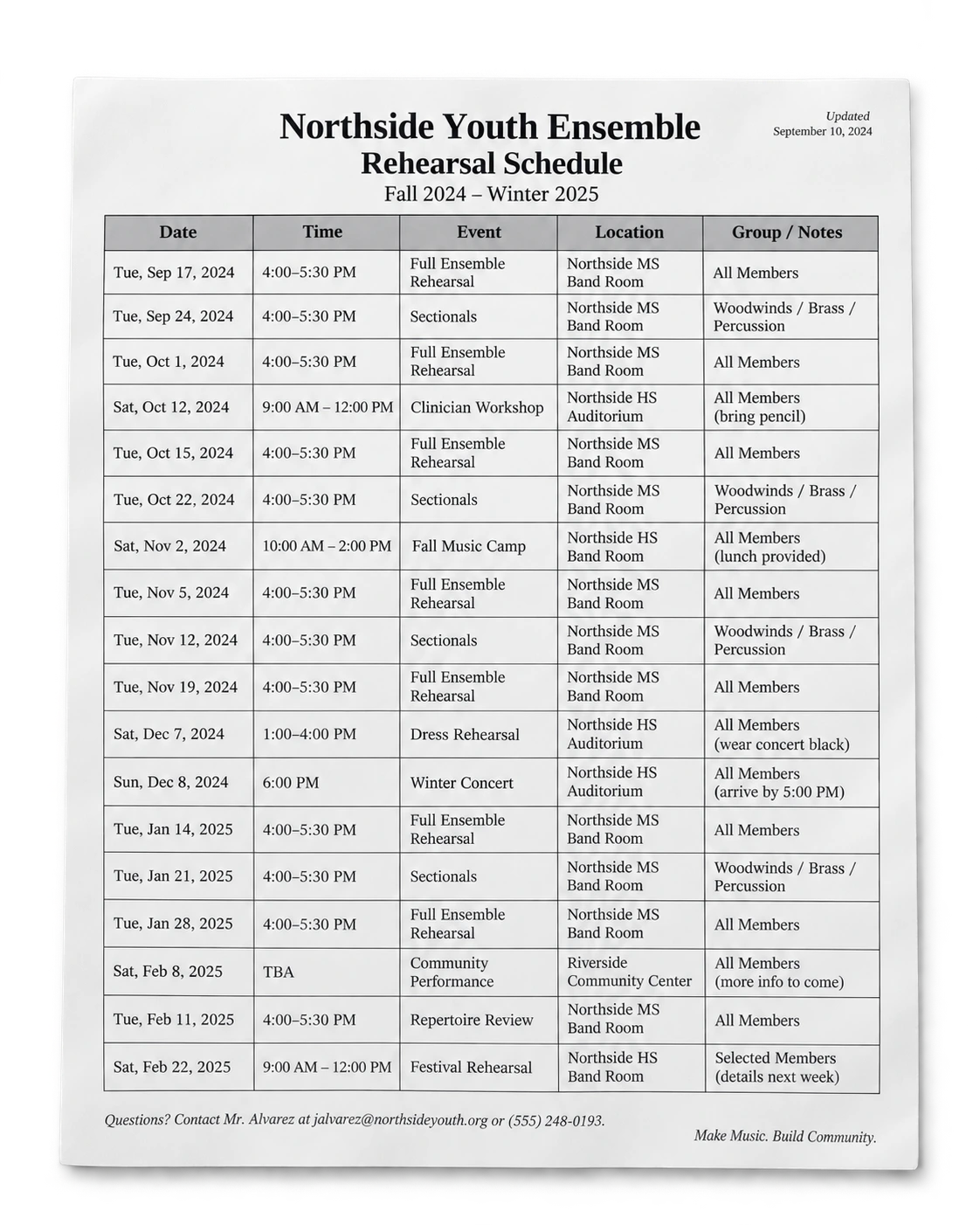
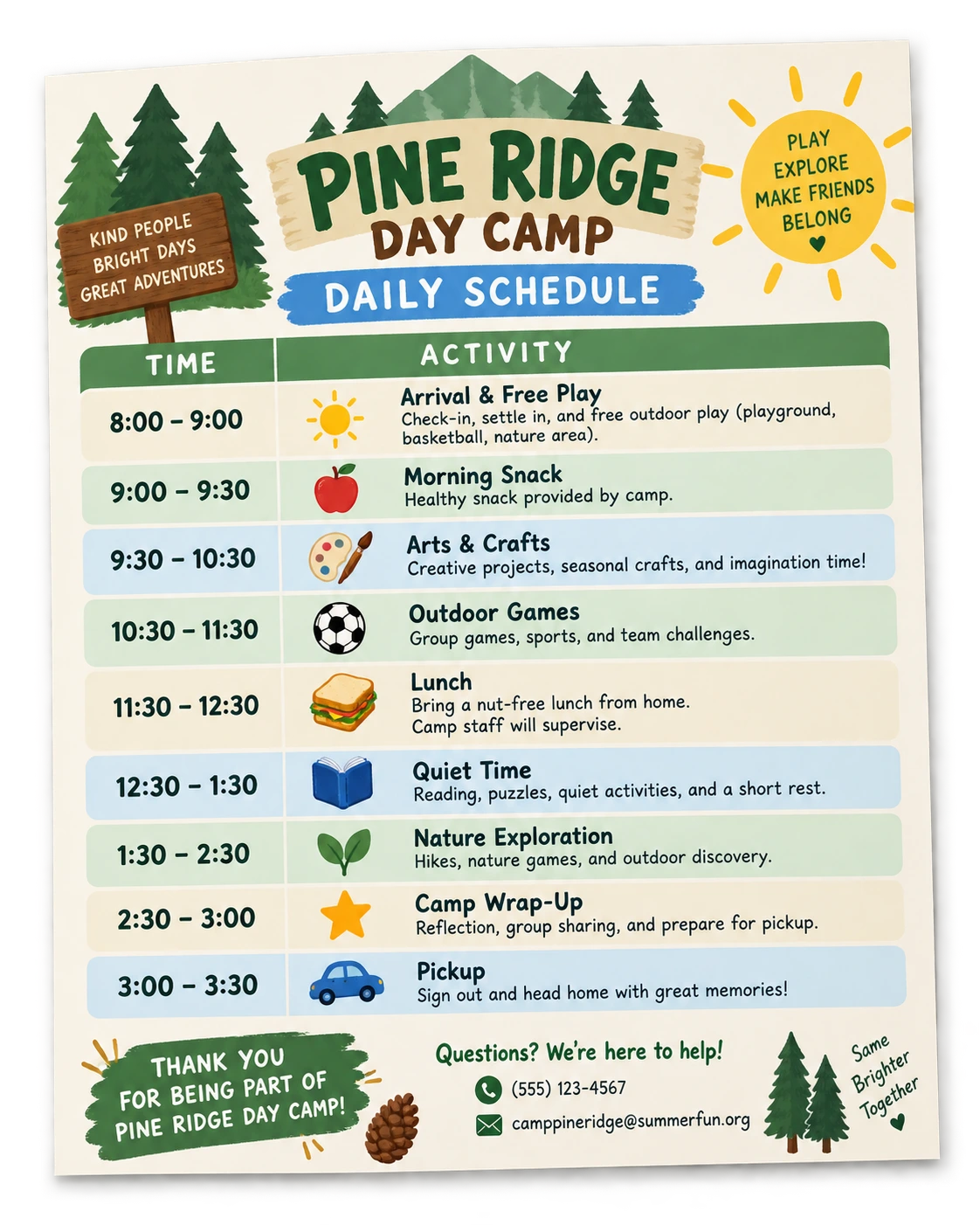
The everyday problem
Team calendars, school handouts, studio schedules, camp itineraries — they all arrive differently. CalDone™ pulls out the dates and events that matter and gets them ready for the calendar you already use.
Less paper chaos.
More living.
The real value
A schedule already contains the whole story: dates, times, locations, practices, games, rehearsals, closures, and exceptions.
CalDone works from the whole schedule at once, so you don't have to enter every event one by one.
How it works
Add the schedule. Check anything that needs your attention. Choose what belongs on your calendar. Then add it.
Take a photo, upload a PDF, or paste the schedule you received.
Dates, times, locations, and events are pulled together from the whole schedule.
If something needs a decision, CalDone asks instead of guessing.
Keep the people, activities, and events you want on your calendar.
Review it once, add the schedule to your calendar, and you're done.
Families
Review before adding
A fast result only helps if you can trust what happens next.
Organizations
Teams, schools, studios, camps, clubs, and other organizations already do the work of creating the schedule. With CalDone, they can prepare it once and share it with families, so each household doesn't have to retype the same information.
Families choose what they need and add it to the calendar they already use.
Learn about organizations →



Why CalDone exists
Family scheduling should not require hours of repetitive calendar entry just because the information arrived on paper, in a PDF, or in a message.
FAQ
Straight answers for the schedules you already manage.
CalDone works with the kinds of schedules families already receive — school calendars, team schedules, studio and rehearsal schedules, camp itineraries, and similar multi-event documents.
No. CalDone moves schedule information into the calendar you already use rather than becoming another calendar you have to manage.
CalDone calls out details that need your attention instead of quietly guessing. You review before anything is added to your calendar.
Yes. You can look over the schedule and answer anything unclear before events are added to your calendar.